Used in modules:
Companies and users, Dashboard (company)
FAQ / How to set parameters so vendors can send files to the accounting system?
Account → Companies and users → Select a company → Supplier
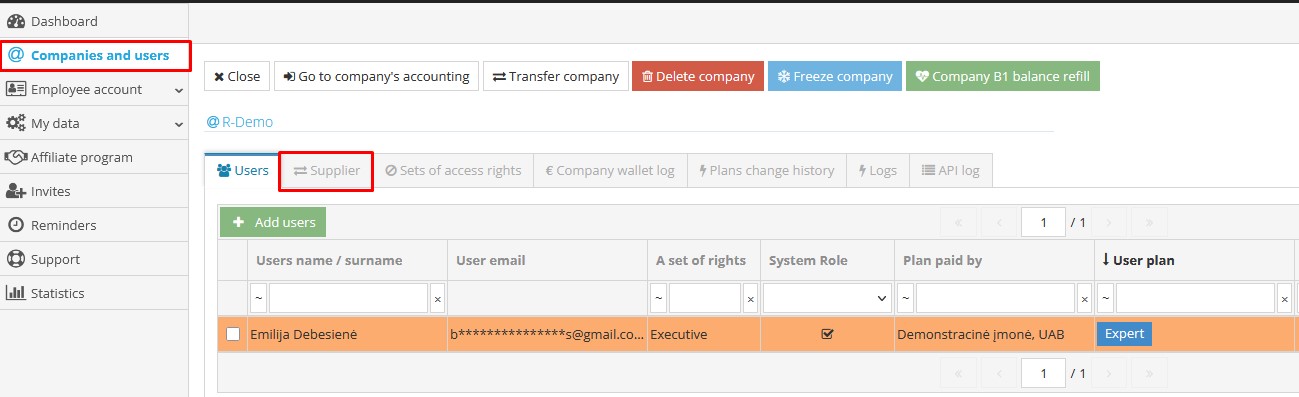
In the window that opens, click  for adding external users (supplier):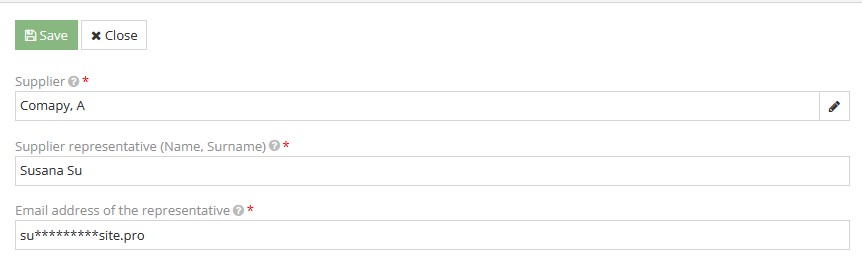
Once the fields are filled in, click "Save".
There is no limit to the number of supplier that can be added, just make sure to inform them by providing an email address for sending the files. Each company has its own individual e-mail address (e-mail address consisting of "files + company code@b1.lt"), which is included in the information note:
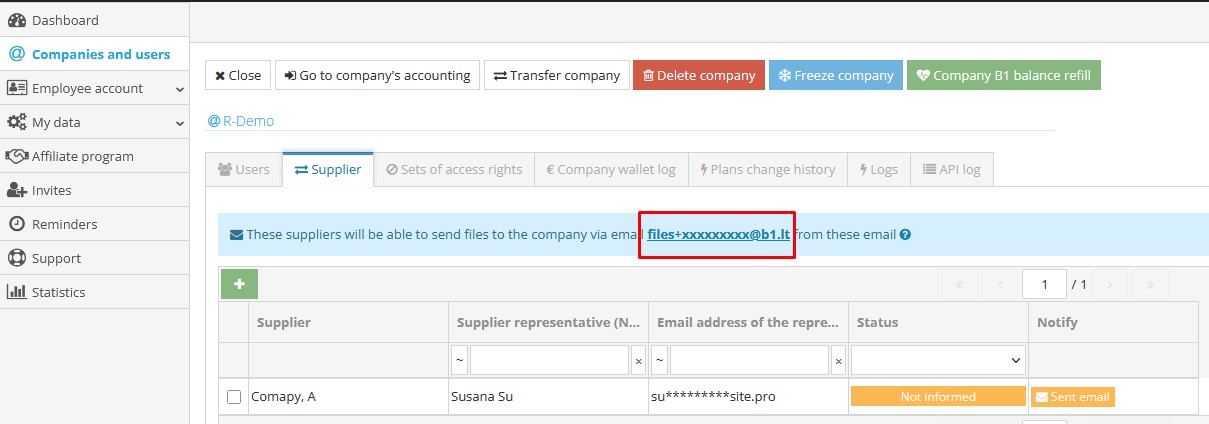
Remark. Only users with the "Executive" permission set or only the database owner (who created the database) can add "Supplier".