FAQ / How do I add a document to a file storage?
There are two ways to upload documents to the "File Store":
1. Click on the "+Add File" button and select the required document from your computer or other smart device: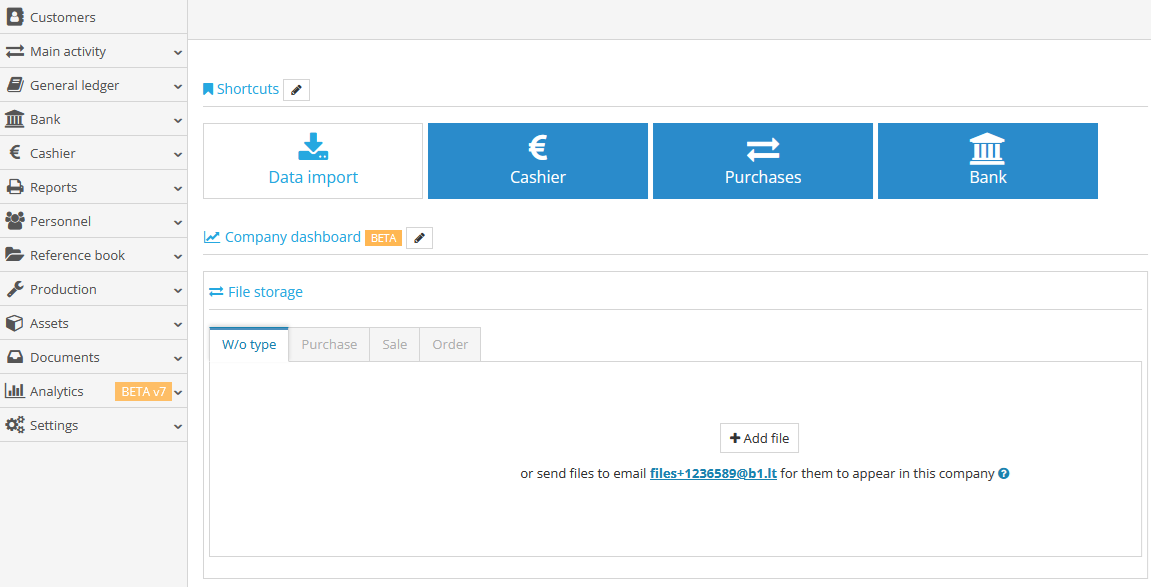
2. Send the document(s) to the email address directly to the file storage. If the files are sent by clients/suppliers who are not B1.lt users, it is necessary to add parameters to allow external suppliers to send the files to B1.LT