Used in modules:
Clients, Dashboard (company)
FAQ / How to create a new client?
In the Site.pro system, all customers, suppliers, buyers, employees, and your company are listed in the general “Customers and Suppliers” module.
Press the green "+Add new client" button to add a new entry.

Press the green "+Add new client" button to add a new entry.
General Information – Fill in the required fields and any additional customer details as needed.
Addresses, Branches – Click the green “+” button to add a new entry, complete the necessary fields, and check the boxes for “Cor. acc. addres?” and “Registration” next to the address.
Bank Accounts – To add a bank account, click the green “+” button to create a new entry.
Note: If this is your company's bank account, check the box to mark:
"Primary" – to set the main account.
"Show on Invoice" – to display this account on sales invoices.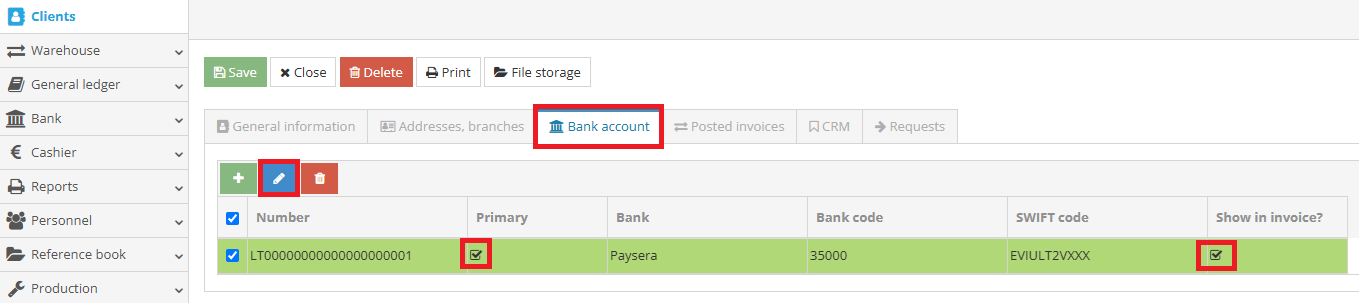
After registering the client, click the “Save” button.